
Configure translation settings
Configure your Frill workspace to support multiple languages, customize terminology, and automatically serve users in their preferred language. Frill supports 42 languages and lets you customize every interface label for each language independently.
Multiple languages are available on Business and Growth plans. Startup plans can customize the default language only.
Access language settings
Click your profile avatar in the top-right corner
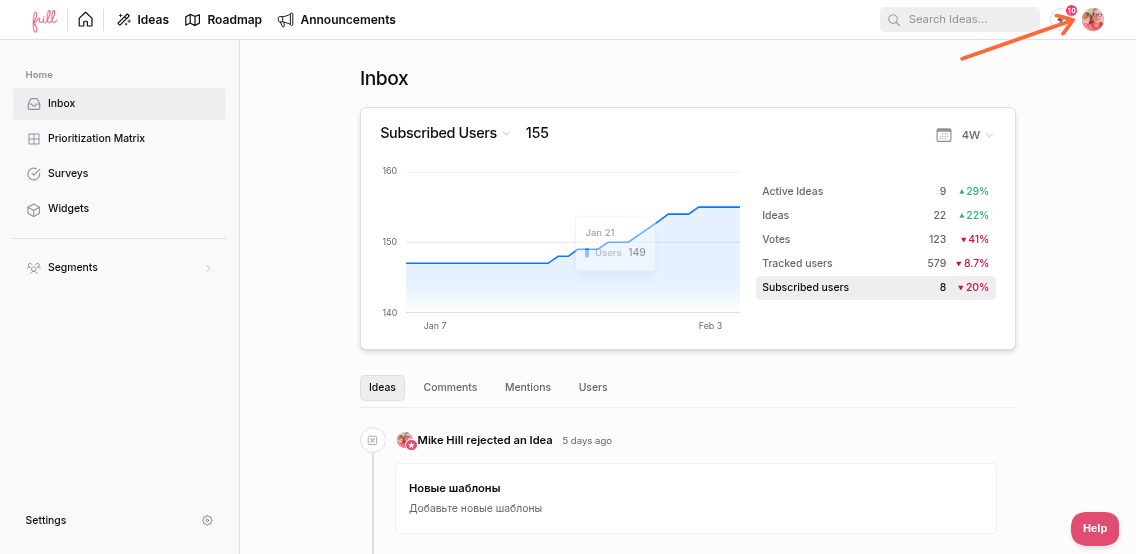
Click Languages
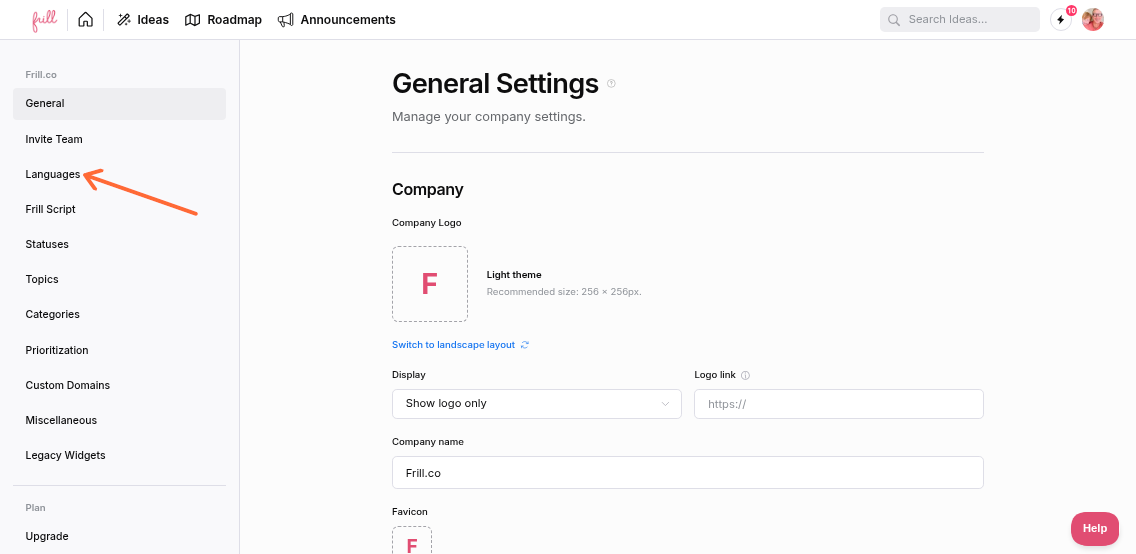
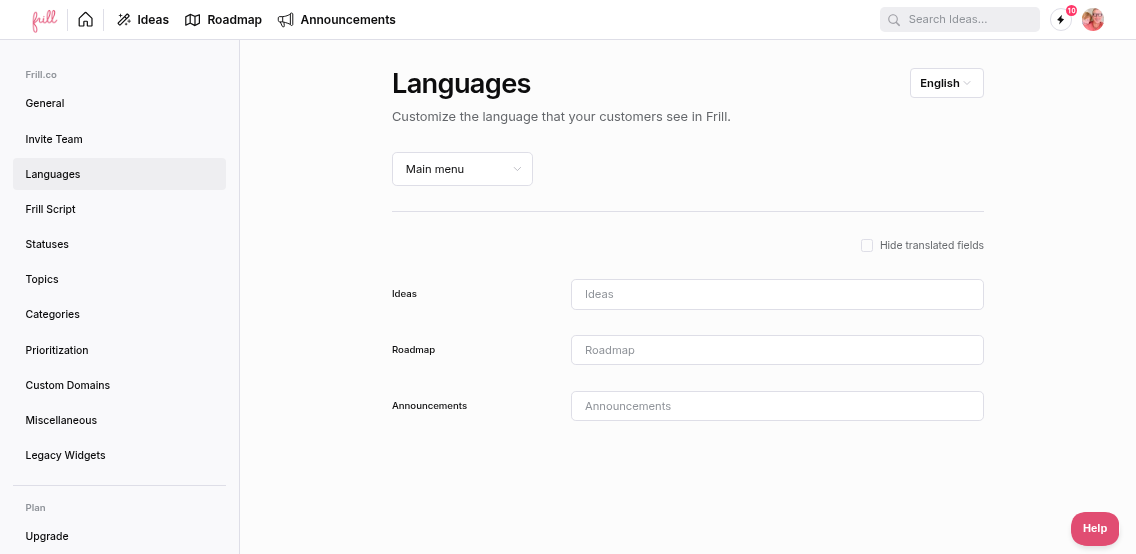
Manage supported languages
To add or configure multiple languages:
Click the Manage languages button (pencil icon)
In the modal, select a language from the dropdown to add it
Click the star icon next to a language to set it as the default
Remove languages using the trash icon (requires at least one language)
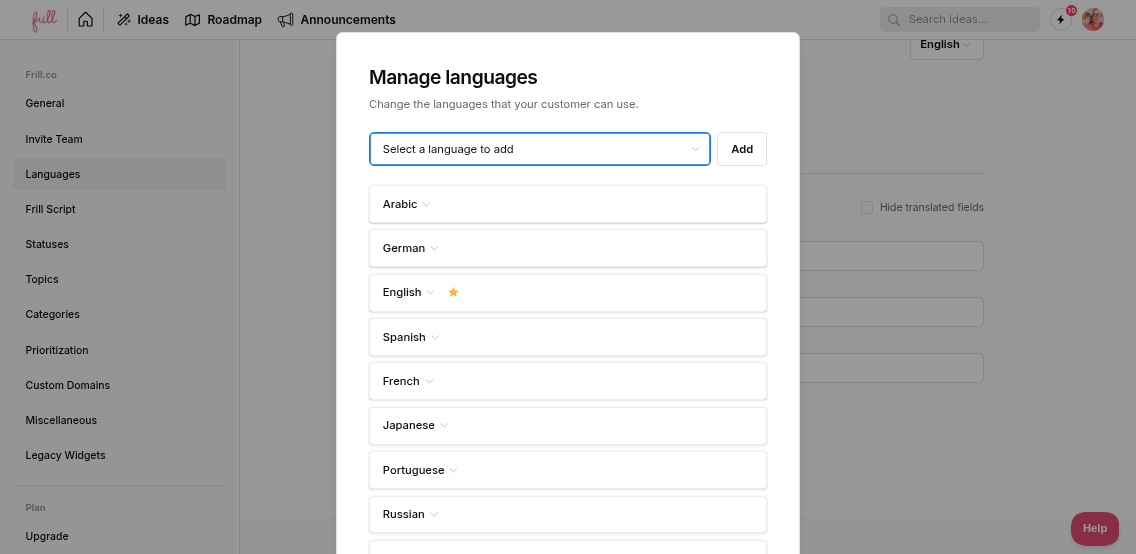
The default language (marked with a star) is used as the fallback when a user's browser language doesn't match any configured language.
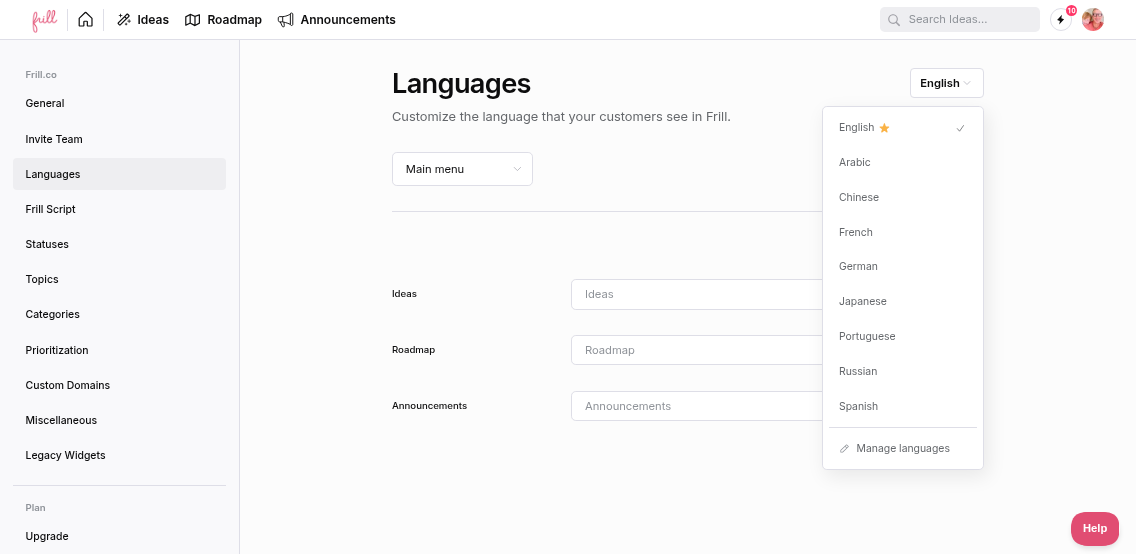
Customize translations and terminology
After selecting a language from the dropdown, you can customize all interface text:
Choose a section from the group dropdown (Main menu, Ideas, Roadmap, Announcements, Widgets, etc.)
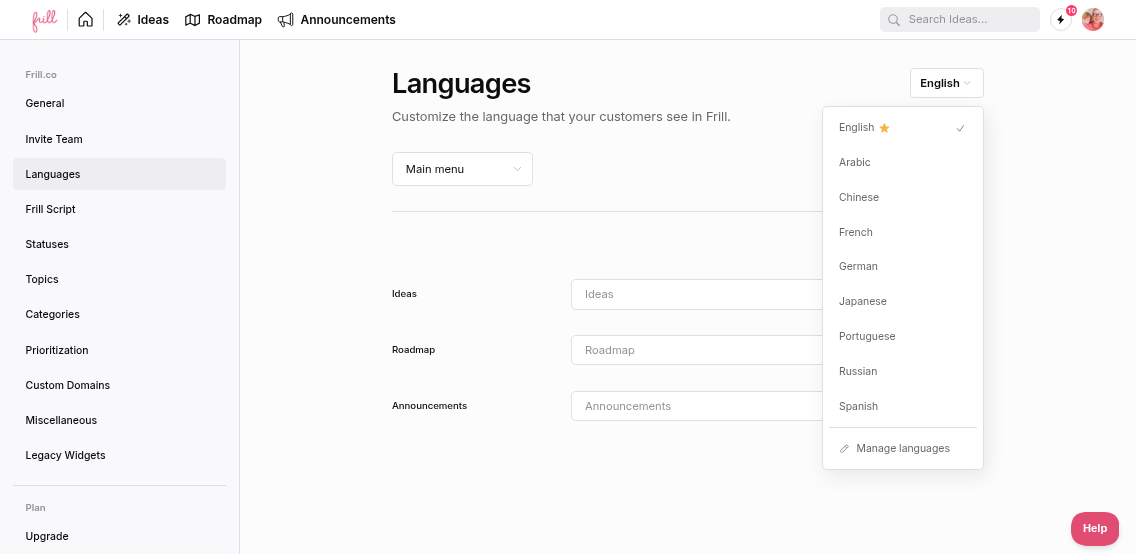
Edit any text field to customize labels and button text
Changes save automatically when you click away
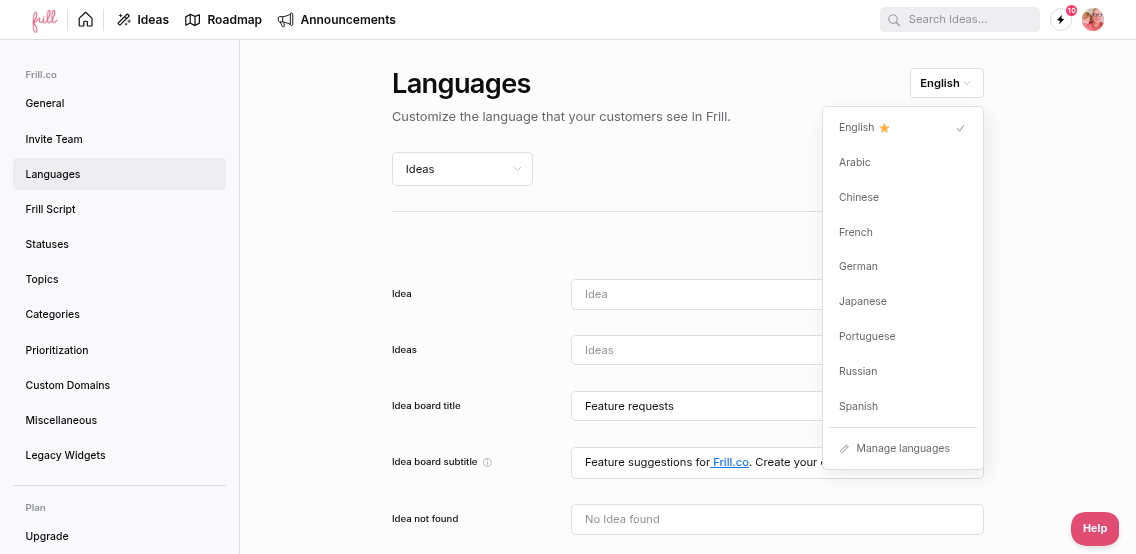
Each field shows length limits. Exceeding the recommended length displays warnings like "Exceeded length limit 50."
Toggle "Hide translated fields" to show only customized fields, making it easier to track your changes.
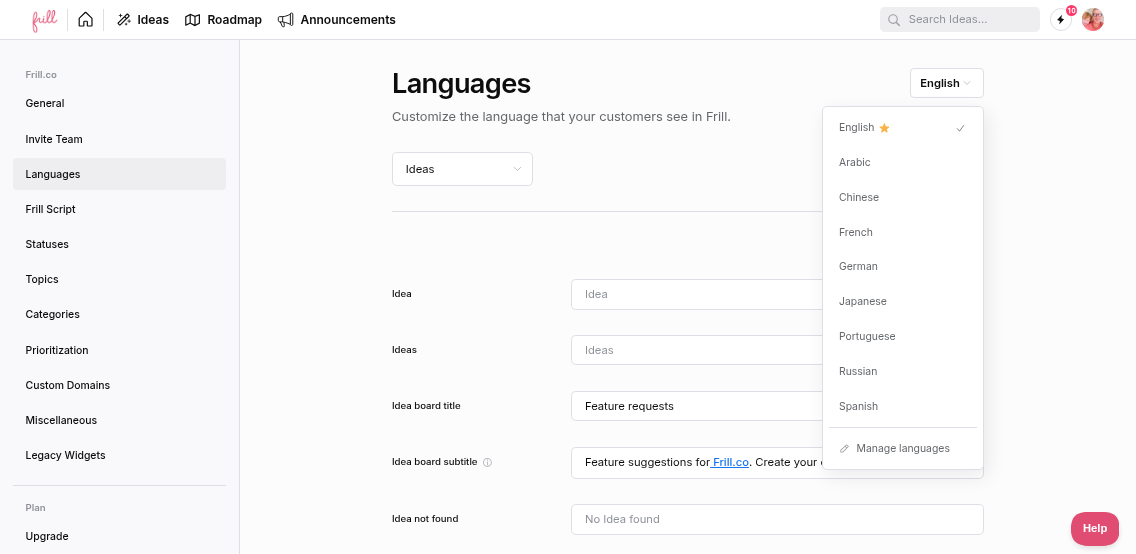
How language detection works
Frill automatically detects users' browser language settings and displays the matching configured language. If no match is found, it falls back to your default language.
Users see translations on:
Public boards and roadmaps
Embedded widgets
Announcement pages
All user-facing interfaces
To force a specific language for testing, add ?lang=xx to your workspace URL (e.g., ?lang=es for Spanish) or use the lang parameter in your widget embed script.
Supported languages
Frill supports 42 languages including English, Spanish, French, German, Japanese, Chinese, Portuguese, Russian, Italian, Korean, Arabic, Dutch, Turkish, Polish, Swedish, Vietnamese, Thai, Hebrew, Indonesian, Danish, Norwegian, Finnish, Czech, Greek, Hungarian, and many more.
Each language can be customized independently—you're not limited to pre-set translations. For example, you can use "Feature Requests" instead of "Ideas" in English while using standard terminology in other languages.